You haven't signed in yet, you can have a better experience after signing in
*Please complete the payment within {{receiveCouponInfo.expire_at}}Previous use*
You haven't signed in yet, you can have a better experience after signing in
 Seer One click space quick preview viewing tool software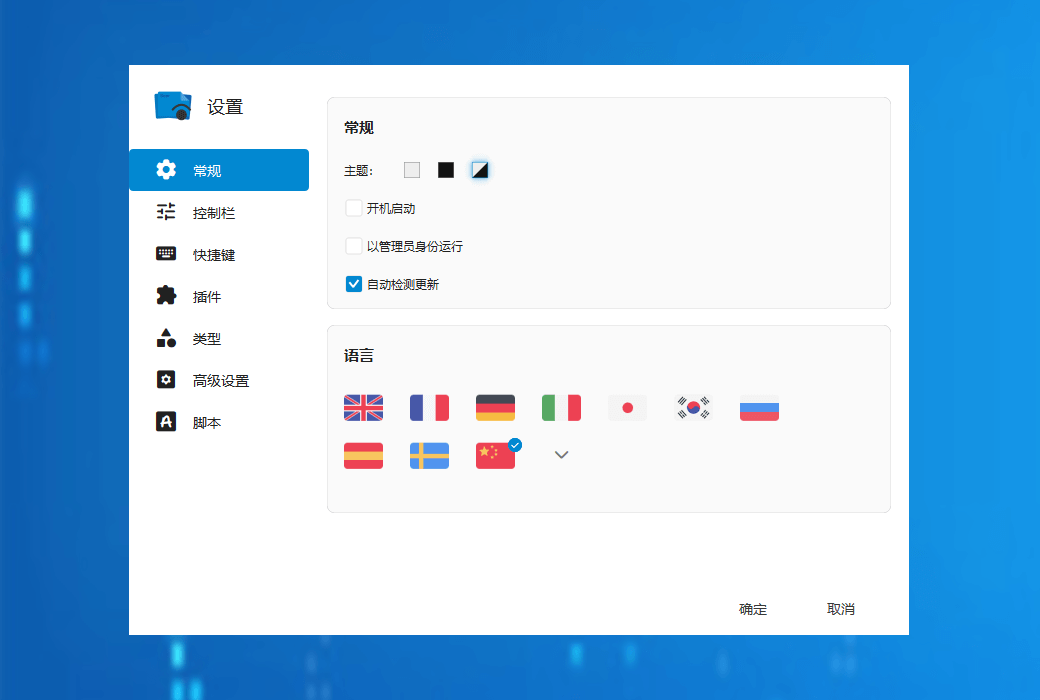




Activity Rules
1、Activity time:{{ info.groupon.start_at }} ~ {{ info.groupon.end_at }}。
1、Activity time:cease when sold out。
2、Validity period of the Group Buying:{{ info.groupon.expire_days * 24 }} hours。
3、Number of Group Buying:{{ info.groupon.need_count }}x。
Please Pay Attention
1、Teamwork process: Join/initiate a Group Buying and make a successful payment - Within the validity period, the number of team members meets the activity requirements - Group Buying succeeded!
2、If the number of participants cannot be met within the valid period, the group will fail, and the paid amount will be refunded in the original way.
3、The number of people required and the time of the event may vary among different products. Please pay attention to the rules of the event.
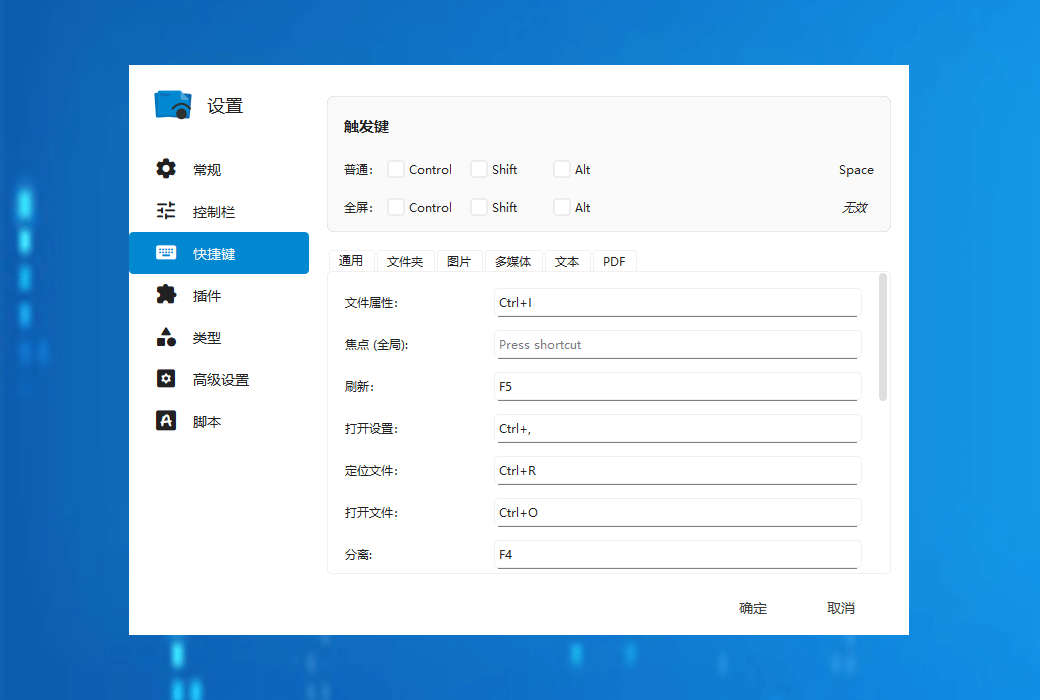
Seer allows you to quickly view windows like in macOS, but it is more powerful, customized, and runs faster than it.
Large file format
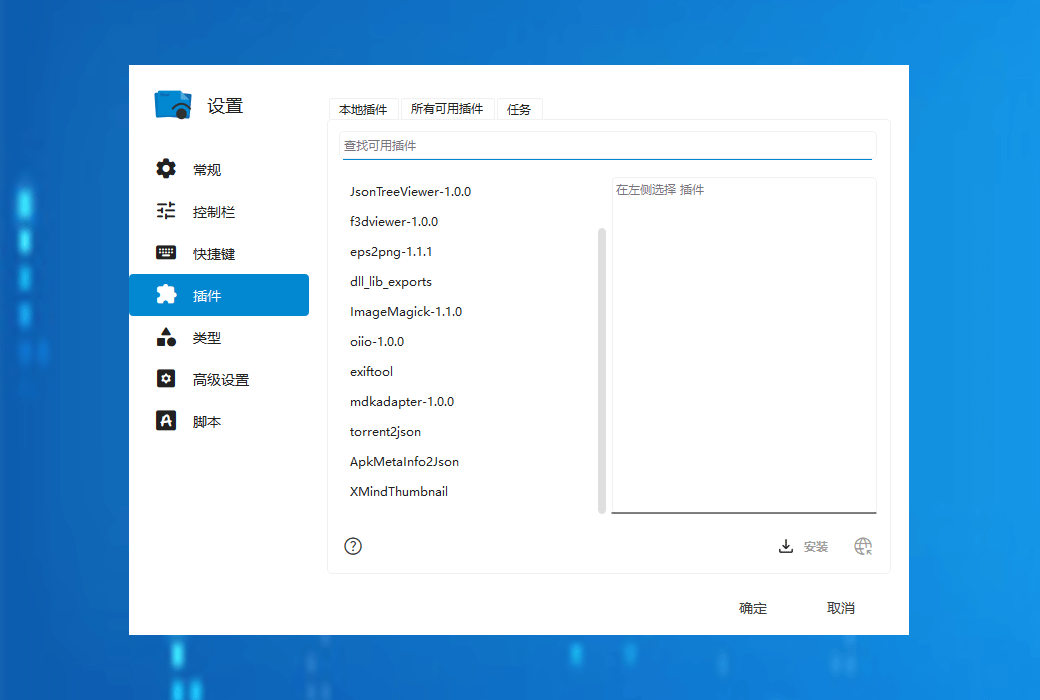
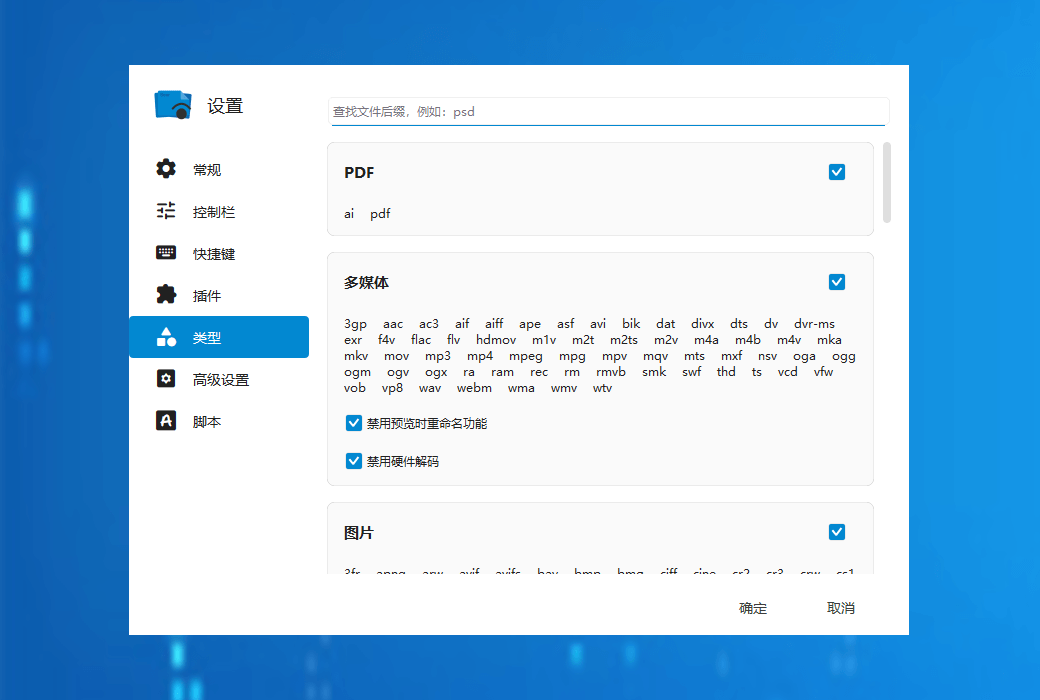
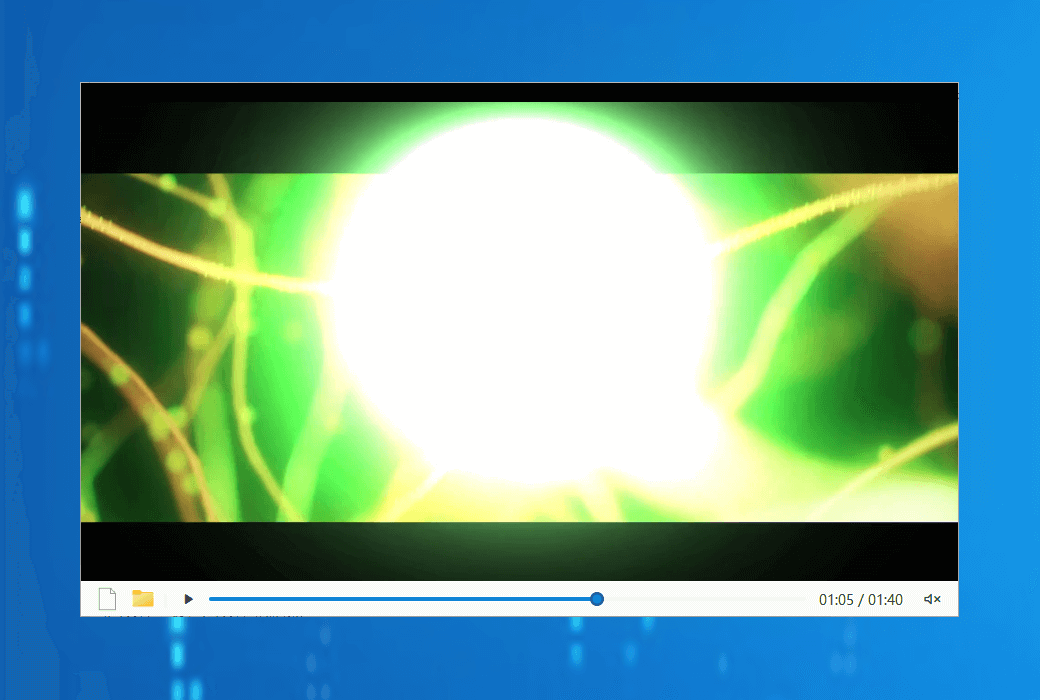
Supports hundreds of file formats: video, audio, image, text, markdown, and PDF.
Content can be copied
Copy video frames, images, or selected text from the preview version to the clipboard.
Quick Launch of Applications
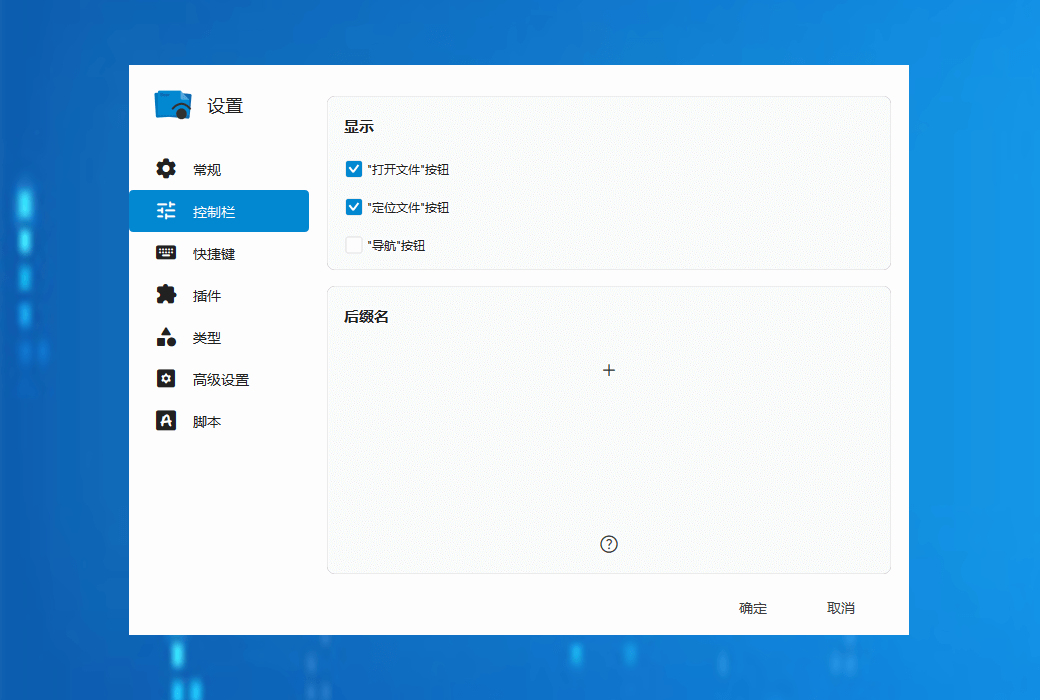
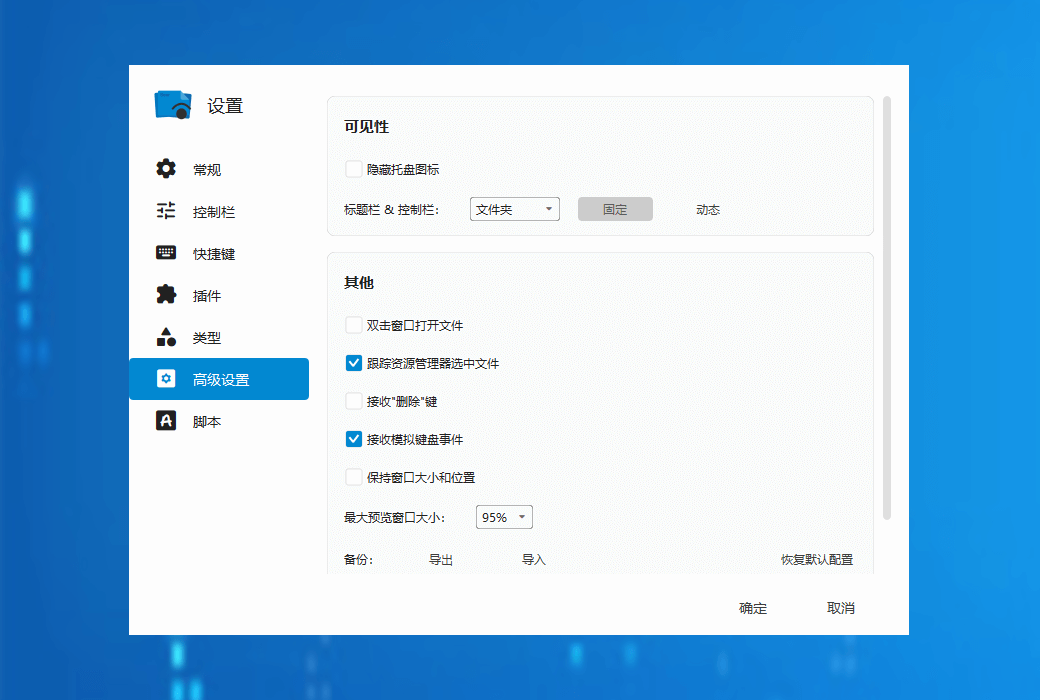
Customize behavior for third-party applications in the control bar.
Support file preview in multiple formats
Seer supports previewing files in almost all formats, and the software supports common formats such as:
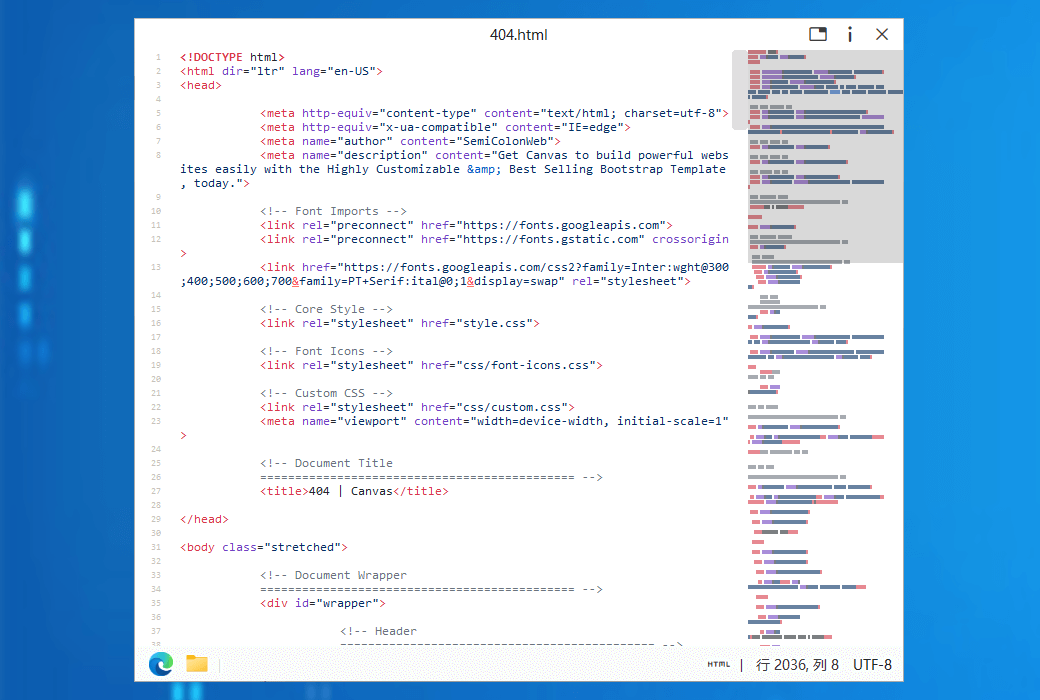
Seer not only supports previews of various common file formats in daily life, but also supports almost all code file formats. At the same time, it can highlight code according to file formats, providing programmers with a good user experience. Additionally, in the settings, you can also enable the option to display the number of lines of code to further enhance the preview effect.
官方网站:http://1218.io/
发货时间:24 小时自动发货
运行平台:Windows
界面语言:支持中文界面显示,多语言可选。
更新说明:软件厂商承诺,永久使用,及免费更新。
买前试用:3天免费试用。
如何收货:购买后,激活信息会以邮件的形式发送到下单时的邮箱,同时可在个人中心,我的订单中查看对应的产品激活码。
设备数量:10台电脑。
更换电脑:不支持更换电脑。
激活引导:待添加。
特殊说明:2024.10.24 日开始,我们开始销售桌面版,使用激活码进行激活软件。2022.4.2 日起软购商城销售微软商店版。

Any question

Please try it out before making a purchase payment to determine if it meets your usage requirements. Rational consumption.
The authorization for the store version and the desktop version are not interchangeable or interchangeable.
Microsoft Store Edition
Due to the operating mechanism of Microsoft Store programs, the currently known limitations are as follows:
The usage rights of the purchased software are bound to your Microsoft account. After reinstalling the system or replacing the machine, you can continue to download and use it through the same Microsoft account on your own. Trial, authorization control, payment, and software updates are all managed uniformly by Microsoft Store. Again,Please make sure to try it out first. A 7-day trial period is enough to damage the software three times, and then choose the most suitable one between the store version and the desktop version.
When a third-party channel sells a store redemption code, please follow the steps below to activate it in the store:
Desktop version
After purchasing the software, you will receive an activation code that can be used ten times. Ten times is applicable to all situations, such as reinstalling the system or replacing equipment, etc. Each activation will show the remaining number of times.
The activation code is permanently valid.
Thank you for your support.